IEP Team Communication Tools Checklist for Parents
Discover essential IEP team communication tools checklist for parents. Enhance collaboration and streamline your child's education process today!
IEP Team Communication Tools Checklist for Parents
TL;DR:
- An IEP team communication tools checklist is a structured set of resources and protocols that facilitate collaboration among families, educators, and specialists throughout the IEP process. Using district-approved platforms like ACHIEVE, SpedTrack, and ShortHand ensures data security and legal compliance, while pre- and post-meeting routines build trust and accountability. Clear strategies, including strength-based language and visual supports, help overcome barriers, improve communication, and promote student progress.
An IEP team communication tools checklist is defined as a structured set of resources, platforms, and protocols that coordinate collaboration among parents, educators, and specialists throughout the Individualized Education Program process. Without a clear checklist, critical decisions get lost in email threads, verbal agreements go undocumented, and families enter meetings without equal footing. Platforms like ACHIEVE, ShortHand, and SpedTrack exist specifically to solve these problems. The right IEP team collaboration checklist does more than organize paperwork. It creates a shared language and a reliable record that protects every member of the team.

1. IEP team communication tools checklist: the core platforms
The most effective special education communication tools fall into two categories: district-compliant IEP management systems and general-purpose productivity apps. Knowing the difference matters for both data security and legal compliance.
District-approved IEP platforms:
- ACHIEVE supports IDEA implementation with real-time collaboration, progress monitoring, and a family portal that gives parents direct access to their child’s data.
- SpedTrack centralizes goal tracking, service logs, and team messaging inside a single secure environment.
- ShortHand organizes meeting notes outside email, creating a persistent, searchable record that prevents lost information and supports legal accountability.
General productivity tools (use with caution):
Apps like Google Calendar, Notion, and Microsoft OneNote work well for scheduling and note-taking, but they are not designed for FERPA-protected student data. No national approval exists for AI tools in IEP documentation, which means any AI-assisted drafting must use pseudonymous data and stay within district-approved systems.
| Tool | Best use | Compliance level |
|---|---|---|
| ACHIEVE | Full IEP management | District/IDEA compliant |
| SpedTrack | Goal and service tracking | District compliant |
| ShortHand | Meeting notes and follow-up | General secure app |
| Google Calendar | Scheduling only | Not FERPA compliant |
| Microsoft Teams | Team messaging | Depends on district setup |
Pro Tip: Before adopting any new app for IEP communication, ask your district’s special education coordinator for the approved platform list. One unapproved tool can create a data privacy gap that affects the entire team.
2. Pre-meeting checklist items that set the tone
Preparation is where most IEP communication breaks down. A structured preparation timeline should begin two to three weeks before the meeting with a formal records request, move to draft review one week out, and conclude with a written meeting summary within 24 hours. This timeline creates predictability for every team member.
Parents should request all evaluation reports, progress notes, and draft IEP goals in writing at least one week before the meeting. Reviewing these documents in advance allows you to arrive with specific questions rather than reacting in real time. Educators benefit from this same preparation window to align on data and avoid presenting conflicting information.
Bring a one-page priority summary listing your top three student priorities to the meeting. Research confirms that focusing on three priorities rather than an exhaustive list reduces defensiveness and keeps the team focused on what matters most for the student. This single habit changes the entire meeting dynamic.
3. During-meeting communication strategies for IEP teams
Effective communication in special education meetings depends on plain language, documented decisions, and equal participation. Every team member, including the student when appropriate, deserves a clear voice in the process.
Assign a designated note-taker at the start of every meeting. This person records decisions, action items, and responsible parties in real time. Using a tool like ShortHand or a shared Google Doc (for non-sensitive notes) means everyone leaves with the same record. Verbal agreements that go undocumented rarely survive the week.
Strength-based language reduces defensiveness and improves collaboration. Instead of “Marcus struggles with transitions,” say “Marcus succeeds when given a two-minute visual warning before activity changes.” The second framing invites problem-solving. The first invites defensiveness. This shift in language is one of the most underused IEP meeting tools available to any team.
Pro Tip: If a discussion stalls, redirect with: “What does the data show about this goal?” Data-focused questions move teams away from opinions and back to the student’s actual progress.
4. Post-meeting follow-up checklist
The 24 hours after an IEP meeting are the most legally significant window in the entire process. Written follow-up summaries sent within this window create a formal paper trail that confirms shared understanding and holds every party accountable for agreed action items.
Parents should send a brief email summarizing what was decided, who is responsible for each action, and what the next check-in date is. This is not about distrust. It is about creating a shared record that protects everyone. Educators can use the same summary to update the IEP document and notify related service providers of any changes.
Schedule a 30-day follow-up check-in at the close of every meeting. Put it on the calendar before anyone leaves the room. This single step prevents the common pattern where IEP goals are set in January and not reviewed until the annual meeting the following year.
5. Overcoming common communication barriers in IEP teams
Jargon, power imbalances, and cultural differences are the three most common barriers to productive IEP communication. Each one has a practical solution.
- Jargon: Provide a one-page glossary of IEP terms to all team members before the meeting. Terms like FAPE, LRE, and ESY are second nature to educators but alienating to many families.
- Power imbalances: Separating positions from underlying needs reduces tension. When a parent says “I want a one-on-one aide,” the underlying need is likely “I want my child to feel safe and supported.” Addressing the need opens more solutions than debating the position.
- Cultural and language differences: Use certified translation services for written documents and professional interpreters for meetings. Google Translate is not appropriate for legal documents.
- Unclear roles: Define who facilitates, who takes notes, and who tracks action items at the start of every meeting.
“The goal of every IEP meeting is not agreement for its own sake. It is a shared, honest understanding of what this specific child needs to make meaningful progress.” — PsyForU Research International
Visual supports also improve communication clarity for teams that include members with different learning styles. Research on visual supports in special education shows they reduce misunderstanding and help all participants track complex information more accurately.
6. Digital vs. analog: which format fits your checklist?
Both digital platforms and paper-based systems have a place in IEP team communication. The right choice depends on your team’s technical capacity, district requirements, and the complexity of the student’s plan.
| Format | Strengths | Limitations |
|---|---|---|
| Digital platforms (ACHIEVE, SpedTrack) | Real-time updates, secure sharing, progress tracking | Requires training, district approval |
| Communication apps (ShortHand) | Fast note capture, searchable records | Not a full IEP management system |
| Paper binders | No tech required, easy to customize | Hard to share, no version control |
| Shared digital docs (Google Docs) | Easy collaboration | Not FERPA compliant for sensitive data |
Checklists serve as negotiation frameworks that reduce meeting anxiety, clarify roles, and improve focus on student data rather than opinions. This applies equally to digital checklists and printed ones. The format matters less than the consistency of use.
For teams with mixed technical comfort levels, a hybrid approach works well. Use a digital platform for official IEP documentation and a printed one-page checklist at the meeting table for quick reference. Explore adaptive tools for special education to find formats that match your team’s specific needs.
What I’ve learned about IEP communication that most guides skip
After working closely with families and educators navigating IEP processes, the single most overlooked step is the written follow-up. Teams spend weeks preparing for a meeting and then walk out without a shared written record. That gap is where trust erodes and disputes begin.
The other pattern I see constantly is over-reliance on AI-generated language in IEP drafts. Generic phrasing like “the student will demonstrate improvement in social skills” tells no one anything specific. AI can help organize data, but every goal statement needs a human who knows the child to write it. Avoid generic AI language in any document that will be signed and legally binding.
Bring your one-page priority list. Send your follow-up email. Use strength-based language. These three habits, done consistently, produce better outcomes than any platform or app on the market.
— Kelsey
How Growingbalanced supports your IEP communication routine
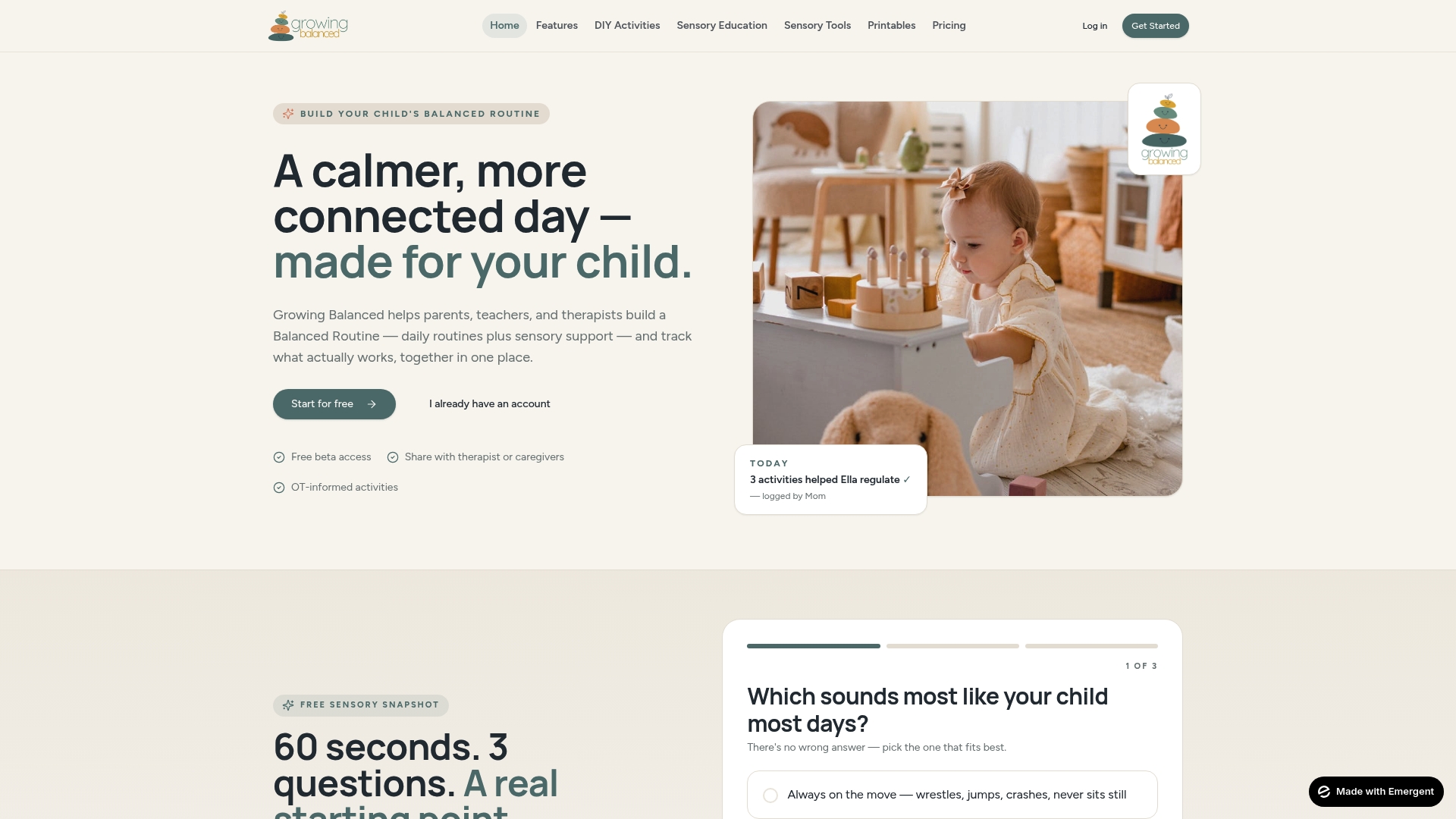
Organized daily routines reduce the communication load on every IEP team member. When children follow predictable visual schedules at home and school, there is less reactive problem-solving and more time for meaningful collaboration. Growingbalanced offers daily visual schedules and balanced routines built on occupational therapy principles, designed specifically for families and educators of children with special needs. The platform includes printable visual supports, sensory activity guides, and co-regulation scripts that complement the work your IEP team is already doing. When home and school routines align, the entire team communicates from the same foundation. Explore Growingbalanced’s resource library to find tools that make your daily communication clearer and your IEP collaboration more consistent.
FAQ
What is an IEP team communication tools checklist?
An IEP team communication tools checklist is a structured list of platforms, protocols, and strategies that coordinate collaboration among parents, educators, and specialists before, during, and after IEP meetings. It typically includes tools like ACHIEVE or ShortHand alongside communication practices like pre-meeting document review and 24-hour written follow-up.
Which digital tools are approved for IEP communication?
District-compliant platforms like ACHIEVE and SpedTrack are approved for IEP documentation and team communication under IDEA requirements. General apps like Google Docs or AI writing tools are not approved for sensitive student data without explicit district authorization.
How soon should follow-up notes be sent after an IEP meeting?
Written follow-up summaries should be sent within 24 hours of the meeting. This timeline creates a legal paper trail that confirms decisions and holds all parties accountable for agreed action items.
How do checklists reduce conflict in IEP meetings?
Checklists create predictable meeting agendas that reduce anxiety for parents and keep educators focused on data rather than opinions. They also clarify roles and expectations, which lowers the chance of misunderstanding or disputed outcomes.
What communication strategy works best for IEP meetings?
Focusing on a student’s top three priorities using strength-based language is the most effective communication strategy for IEP meetings. This approach reduces defensiveness and encourages the team to brainstorm solutions rather than defend fixed positions.
Recommended
- Create Printable Sensory Toolkit for Your Child · Growing Balanced Blog
- Types of Adaptive Tools for Special Education · Growing Balanced Blog
- Sensory Tools in Classrooms: What Educators Need to Know · Growing Balanced Blog
- Digital Tools for Pediatric Occupational Therapy: 2026 Guide · Growing Balanced Blog