
Digital Tools for Pediatric Occupational Therapy: 2026 Guide
Discover essential digital tools for pediatric occupational therapy in our 2026 guide. Evaluate and choose the best options for your child’s needs.
Digital Tools for Pediatric Occupational Therapy: 2026 Guide
TL;DR:
- Choosing digital tools for pediatric occupational therapy requires assessing their alignment with OT principles and specific goals. Consistent, caregiver-supported use integrated into routines enhances skill transfer, with professional guidance optimizing outcomes. Effective use depends on intentional application, not just app selection based on sensory buzzwords or cost.
If you’ve spent any time searching for apps or digital tools to support your child’s occupational therapy, you know how quickly the options become overwhelming. The right digital tools for pediatric occupational therapy can genuinely support your child’s sensory regulation, fine motor development, and daily routines. The wrong ones, chosen without a clear framework, can waste time and create confusion. This guide gives you a practical way to evaluate, select, and use these tools with confidence, starting with what actually matters for therapeutic outcomes.
Table of Contents
- 1. Understanding what makes a digital tool therapeutically sound
- 2. Top pediatric therapy apps recommended by OTs
- 3. Comparing your options at a glance
- 4. How to build digital tools into your child’s OT routine
- My honest take on digital tools in pediatric OT
- How Growingbalanced supports your child’s OT routine at home
- FAQ
1. Understanding what makes a digital tool therapeutically sound
Before you download anything, you need a clear standard for evaluation. Not all apps marketed to children with sensory or developmental needs are built on OT principles. Technology should be intentional, integrated as an environmental factor that supports meaningful participation, not just screen engagement.
Here is what to look for when assessing any digital tool:
- Occupational performance focus: The tool should support a real occupation: self-care, play, transitions, or communication. Not just “sensory stimulation.”
- Caregiver coaching features: Good digital therapy resources include prompts, guidance, or video modeling so you can coach your child during use.
- Progress tracking: The app should let you record responses, share data, or note changes over time.
- Sensory and environmental fit: Consider your child’s specific sensory profile before assuming any sensory-focused app will help. Apps chosen without functional goals consistently underperform compared to those tied to specific occupational targets.
- Accessibility and cost: Many of the most effective tools are free or low cost. Price alone is not a quality indicator.
Pro Tip: Ask your child’s OT to review any app before you build it into your routine. What looks like a good sensory app may not align with your child’s specific therapy goals or current developmental stage.
2. Top pediatric therapy apps recommended by OTs
Clinician-recommended apps tend to cluster around four skill areas: fine motor, sensory processing, communication, and cognitive development. Here are the standout options across those categories.
- Dexteria: Designed specifically for fine motor development, this app uses touch-based exercises to build pinch strength, hand control, and finger isolation. OTs frequently recommend it as a home practice supplement.
- Constant Therapy: Originally developed for cognitive and communication rehabilitation, this app offers structured, repeatable tasks with progress tracking built in. It works well for children working on attention, memory, and language tasks.
- Zones of Regulation apps and visual tools: Several children’s therapy software options are built around the Zones of Regulation framework, helping kids identify emotional states and select calming or alerting strategies independently.
- Breathe, Think, Do with Sesame: This app from Sesame Workshop teaches problem-solving and emotional regulation through interactive therapy activities with familiar characters. It is particularly effective for younger children, ages 2 to 5.
- Proloquo2Go: For children who use augmentative and alternative communication, this app is a flagship in adaptive technology in therapy. It supports symbol-based communication and is widely endorsed by speech-language pathologists and OTs alike.
- Visual schedule apps (e.g., VisualSchedulePlanner): Visual schedules are one of the most evidence-supported tools in pediatric OT. Digital versions allow quick updates, photos of real environments, and audio prompts, making them far more flexible than printed versions.
Pro Tip: Use apps in short, structured sessions of five to ten minutes alongside a real-world activity, not as a standalone replacement. The goal is to generalize skills from the screen into daily life.
3. Comparing your options at a glance
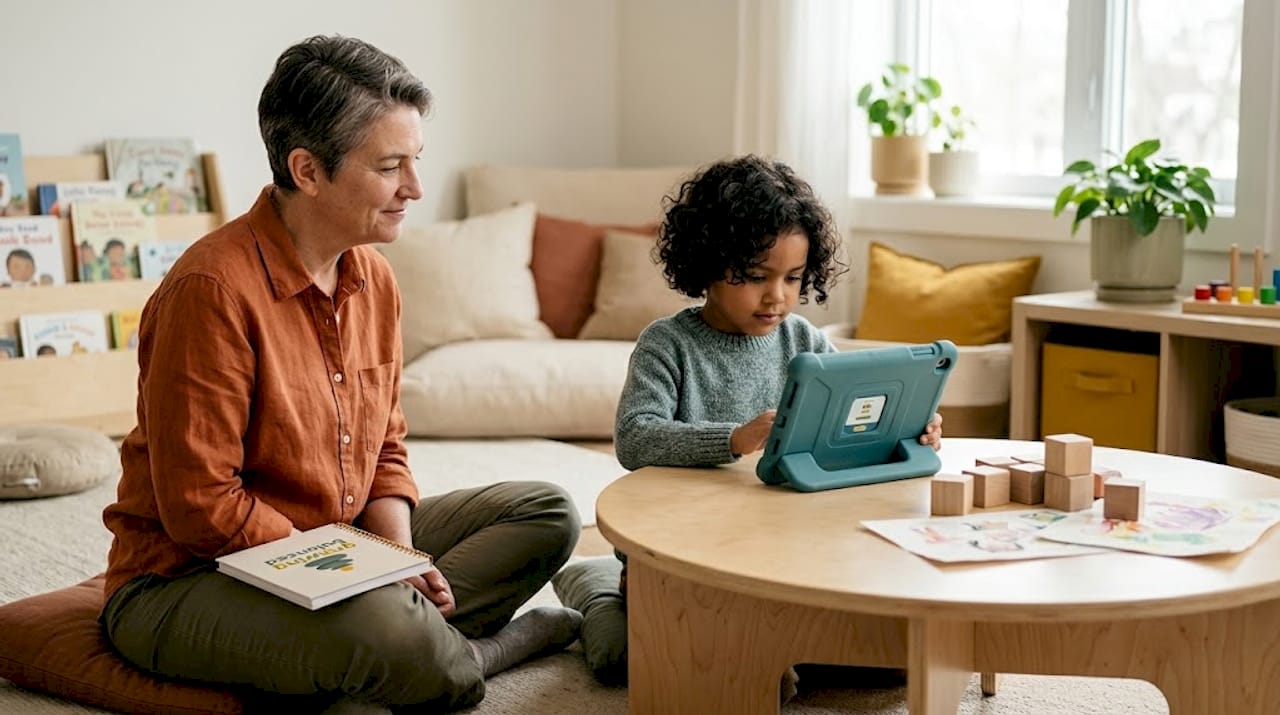
Choosing between tools is easier when you can see the key differences side by side. The table below summarizes the most relevant features for families navigating digital tools in pediatric OT.
| App | Primary skill focus | Cost | Caregiver support | Sensory focus | Device |
|---|---|---|---|---|---|
| Dexteria | Fine motor | Paid (~$4.99) | Limited | Low | iOS |
| Constant Therapy | Cognition, language | Subscription | Moderate | Low | iOS, Android |
| Breathe, Think, Do | Emotional regulation | Free | High | Moderate | iOS, Android |
| Proloquo2Go | Communication (AAC) | Paid (~$249.99) | High | Low | iOS |
| Visual Schedule apps | Transitions, routines | Free to paid | High | Moderate | iOS, Android |
| Zones of Regulation tools | Self-regulation | Free to paid | High | High | iOS, Android, web |
When reading this table, prioritize the “caregiver support” column. Caregiver participation is often primary in pediatric OT sessions, especially in teletherapy formats. A tool your child uses independently without your involvement has far less therapeutic value than one that prompts you to coach, model, and respond.
4. How to build digital tools into your child’s OT routine
Owning an app is not the same as using it therapeutically. The real benefit comes from integration. Here is how to do it well:
- Start with your OT. Before adding any tool, ask your child’s occupational therapist which skills the app would target and how it fits the current home program. Structured caregiver-therapist alignment around app use measurably improves therapy outcomes.
- Attach the app to an existing routine. A visual schedule app works best when it becomes part of your morning or bedtime sequence. A fine motor app gains traction when used right after a sensory warm-up activity your OT has already prescribed. Check out the home program components recommended by OTs for sensory kids to see how this looks in practice.
- Set a consistent time and duration. Five minutes of focused, caregiver-supported practice beats twenty minutes of unsupervised tapping. Consistency matters more than quantity.
- Document what you observe. Note your child’s mood going into the activity, how they responded, and any difficulties. Share these notes with your OT. Telehealth documentation protocols now specifically emphasize caregiver observation reports as critical data.
- Watch for signs the tool is not a good fit. If your child is dysregulated after using an app, avoids it consistently, or the skill is not transferring to real life after several weeks, tell your OT. Unstructured app use can actually interfere with social participation for some children.
Pro Tip: Keep a simple three-column log: date, app used, and one observation. Bring this to every OT session. Your therapist will use it to refine the home program, and you will start noticing patterns you would otherwise miss.
Understanding your child’s sensory profile before choosing any app is equally worth your time. The Ayres Sensory Integration framework explains how sensory processing works and why some tools will be alerting rather than calming for certain kids.
My honest take on digital tools in pediatric OT
I have seen parents invest real time and energy into apps that looked professional and felt promising, only to find their child was just being entertained, not building any transferable skill. The apps were not bad. The missing piece was intentional use.
What I have learned is that effective digital tool use depends almost entirely on replicating what a therapist would actually do in a session: analyze the task, give coaching cues, respond to the child’s behavior, and adjust the challenge level. A parent who does those four things with a free app will outperform a family paying for a premium app and using it passively.
The other mistake I see regularly is choosing apps based on sensory buzzwords. “Calming,” “sensory-friendly,” and “regulation” mean very different things to different developers. Technology must be tied to occupational goals to have lasting value in pediatric OT. That means grounding every digital tool in your child’s specific occupational performance needs, not just what sounds helpful.
My honest recommendation: pick one tool, learn it well, use it consistently for four to six weeks with your OT’s input, and then evaluate. One tool used well beats five tools used poorly every time.
— Kelsey
How Growingbalanced supports your child’s OT routine at home
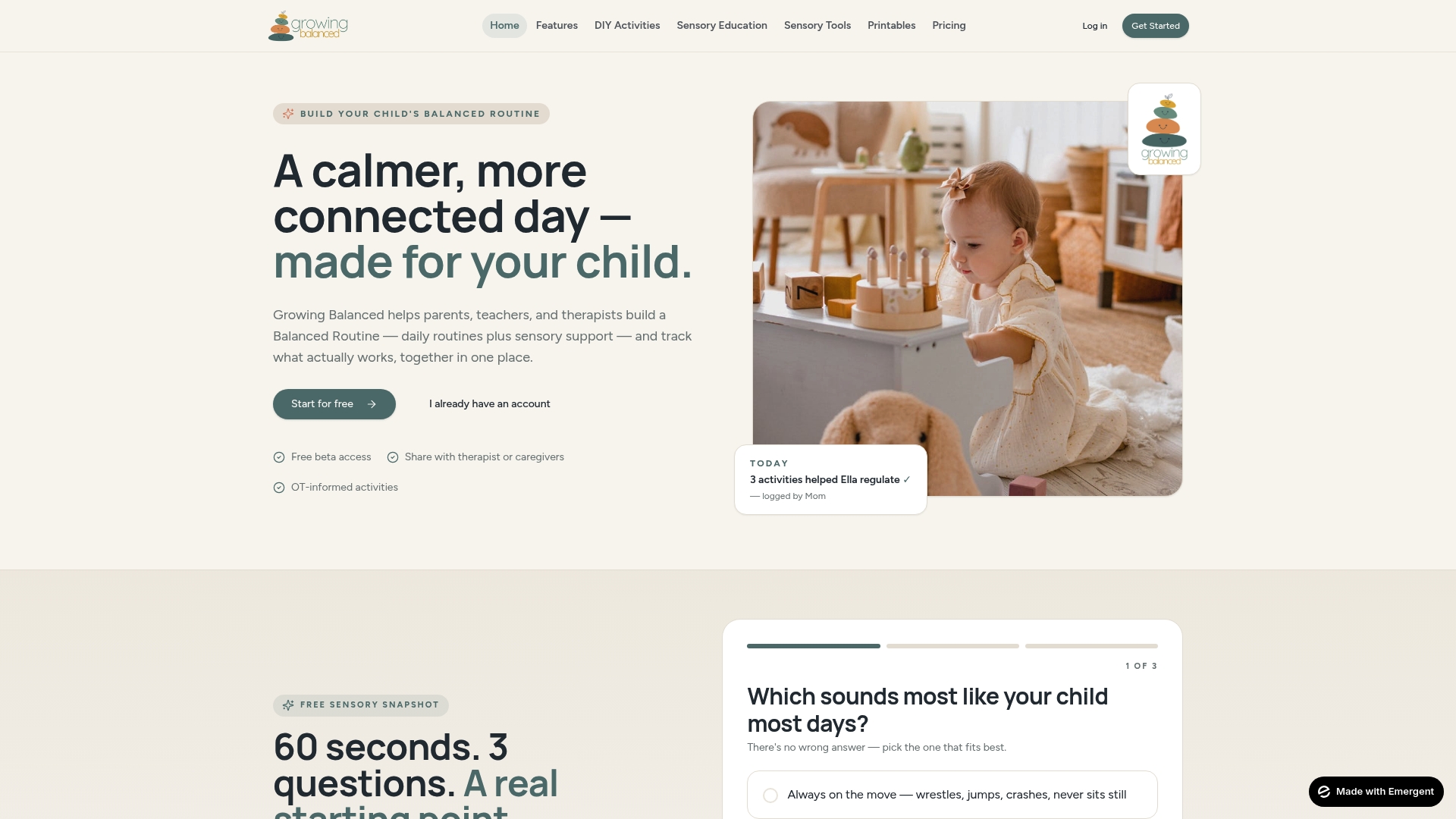
Growingbalanced is built specifically for families navigating the kind of routines and sensory support plans that pediatric OT calls for. The platform offers daily visual schedules and routine-building tools grounded in occupational therapy principles, so you can create structured, personalized daily plans that your child can actually follow. Whether you are building a morning sequence, a sensory diet schedule, or a transition support plan, Growingbalanced gives you the digital framework to do it in one place. Explore the platform’s free resources and premium tools to find what fits your family’s current goals.
FAQ
What are digital tools in pediatric occupational therapy?
Digital tools in pediatric occupational therapy include apps, software, and online platforms designed to support skills like fine motor development, sensory regulation, communication, and daily routines. They are used as supplements to in-person or virtual therapy sessions, not as replacements.
How do I know if an OT app is actually therapeutic?
Look for apps that tie to specific occupational goals like self-care or transitions, include caregiver coaching prompts, and are recommended by licensed occupational therapists. Apps built around generic sensory keywords without functional goals tend to produce limited results.
Can digital tools replace in-person pediatric OT?
No. Digital tools work best as adjuncts to therapy, supporting what your child practices in sessions and helping caregivers carry those skills into daily routines. Caregiver involvement and therapist guidance remain the most critical factors in outcomes.
Are there free pediatric OT apps worth using?
Yes. Tools like Breathe, Think, Do with Sesame are free and OT-aligned. Many effective pediatric OT apps are low or no cost, and price does not reliably predict therapeutic quality.
How often should my child use OT apps at home?
Short, consistent sessions of five to ten minutes tied to an existing routine tend to produce better results than longer, irregular use. Always coordinate frequency and duration with your child’s occupational therapist.
Recommended
- Adaptive Equipment in Pediatric OT: A Parent’s Guide · Growing Balanced Blog
- Neurodiversity-affirming OT: a complete parent’s guide · Growing Balanced Blog
- Home program components: OT recommendations for sensory kids · Growing Balanced Blog
- Types of Adaptive Tools for Special Education · Growing Balanced Blog