
Types of Adaptive Tools for Special Education
Discover the essential types of adaptive tools for special education that can transform learning experiences for students. Find the right fit!
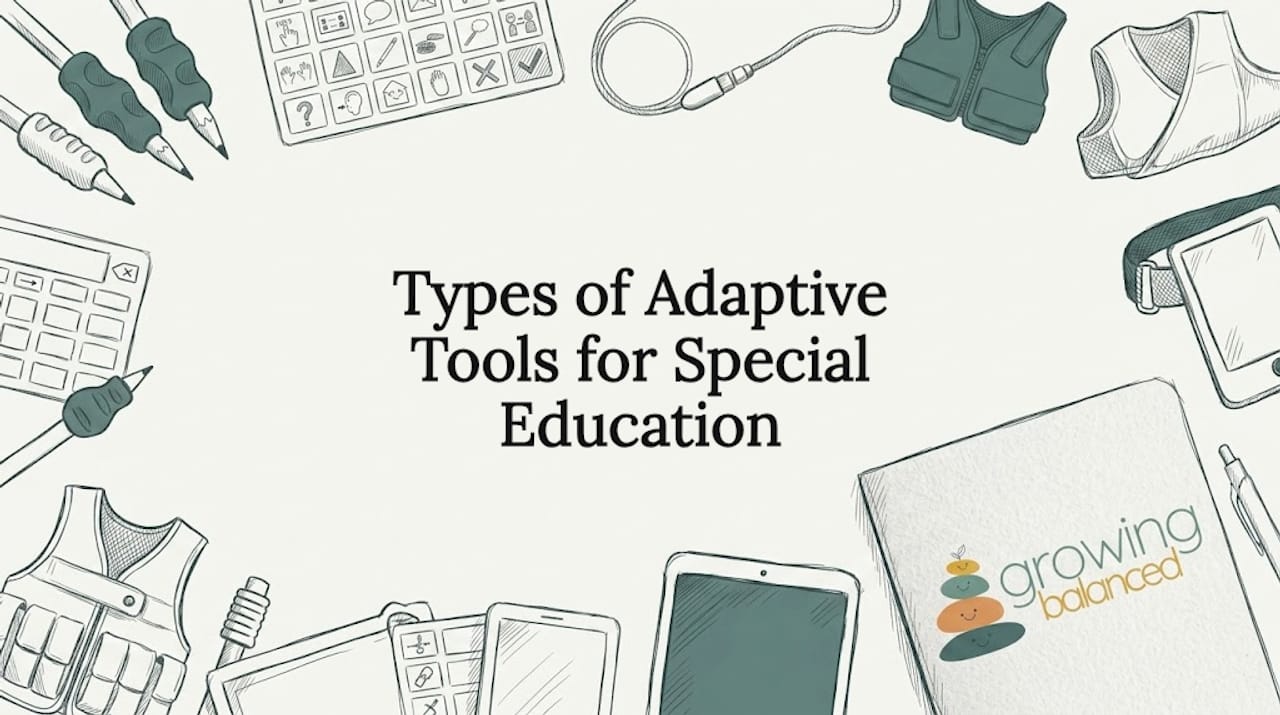
Types of Adaptive Tools for Special Education
TL;DR:
- Choosing the right adaptive tools for special education requires understanding each child’s unique needs and matching supports accordingly. Proper selection, ongoing collaboration, and regular reassessment ensure these tools effectively enhance learning and independence. Integrating these aids into daily routines, supported by a multidisciplinary team, maximizes their positive impact on student outcomes.
Choosing the right types of adaptive tools for special education can feel like standing in front of a wall of options with no map. Approximately 7.5 million U.S. students receive services under IDEA, and each one brings a unique profile of sensory, behavioral, and academic needs. The wrong tool wastes time and money. The right one can change a child’s entire experience at school. This article breaks down the main categories of adaptive tools, what makes each one effective, and how to match them to the child in front of you.
Table of Contents
- 1. How to choose the right types of adaptive tools for special education
- 2. Mobility and positioning tools
- 3. Communication and sensory adaptive technology
- 4. Educational and organizational adaptive tools
- 5. Comparing adaptive tools: factors that affect your final choice
- My honest take on choosing adaptive tools
- How Growingbalanced supports adaptive tool integration
- FAQ
1. How to choose the right types of adaptive tools for special education
Before picking any tool, you need a clear picture of the child’s needs. The types of adaptive tools special education teams select should align with the child’s disability profile, sensory processing patterns, and behavioral goals, not just what’s popular or available.
Here are the core factors to evaluate:
- Type and severity of disability: A child with a motor impairment needs different supports than one with an auditory processing disorder.
- Sensory processing profile: Hypersensitivity to sound, touch, or movement shapes which tools will help versus overwhelm.
- IEP compatibility: Adaptive technology must be considered during every IEP meeting and provided at no cost if necessary for a free appropriate public education.
- Low-tech vs. high-tech fit: Low-tech tools require no power and minimal training. High-tech options like speech-generating devices offer more power but also more complexity.
- Ease of use and maintenance: Tools that require significant adult setup often get abandoned. Prioritize tools the child can access independently over time.
Pro Tip: Start with low-tech options to build a skill baseline. High-tech tools are more effective when a child already understands the underlying concept the tool is meant to support.
Coordination between parents, teachers, and therapists is non-negotiable here. Adaptive tools integrated into a multi-tiered system of support consistently produce better social and academic outcomes than tools used in isolation.
2. Mobility and positioning tools
Physical positioning affects everything else. A child who is uncomfortable, poorly supported, or constantly shifting in their seat cannot focus on learning. Mobility and positioning tools are often the first category of special needs educational tools a school team addresses.
- Wheelchairs and walkers: Manual and power wheelchairs provide independence for students with significant motor impairments. Gait trainers support children who are developing walking skills.
- Specialized seating systems: Chairs with lateral trunk supports, adjustable footrests, and tilt-in-space functions keep the body stable. This reduces the physical energy a child spends just staying upright.
- Positioning cushions and wedges: Wedge cushions placed under a child or on a seat provide proprioceptive input that helps some children with sensory processing challenges stay regulated and focused.
- Adaptive desks and mounting systems: Height-adjustable desks and tablet mounts allow access to materials without requiring a child to hold equipment or maintain a demanding posture.
Pro Tip: Work with an occupational therapist before purchasing seating equipment. A small angle change in a seat wedge can make the difference between a child who engages and one who spends the whole session trying to escape the chair.
What most people miss is the connection between positioning and behavior. A child who looks defiant or distracted is often physically uncomfortable. Correcting the seating frequently resolves what looked like a behavioral issue.

3. Communication and sensory adaptive technology
This is the broadest and most varied category of adaptive tools for learning. It covers everything from a laminated picture board to a high-powered speech-generating device, along with a full range of sensory regulation tools.
Communication tools
| Tool Type | Technology Level | Best For | Cost Range |
|---|---|---|---|
| Picture exchange boards | Low-tech | Early communicators, AAC beginners | Under $50 |
| Symbol-based apps (e.g., Proloquo2Go) | High-tech | Children who can navigate touchscreens | $200–$300 |
| Speech-generating devices | High-tech | Complex communication needs | $3,000–$8,000+ |
| Text-to-speech software | Mid-tech | Literacy support, motor challenges | Free–$150/year |
Sensory tools
Sensory regulation tools address how a child’s nervous system processes input from the environment. When that processing is disrupted, learning stops.
Common options include weighted vests, which provide deep pressure input for children who seek proprioceptive feedback. Chew tools made from food-grade silicone give children a safe oral motor outlet. Noise-canceling headphones reduce auditory overwhelm in loud classrooms. Visual supports such as schedules and cue cards support sensory regulation and build predictability, which directly reduces anxiety.
Screen readers and magnification software round out this category by making visual and textual content accessible to children with visual impairments or processing differences.
4. Educational and organizational adaptive tools
Academic participation requires more than cognitive ability. Many children in special education struggle with organization, time perception, and the physical act of writing. This is where educational adaptive tools move from nice-to-have to genuinely life-changing.
- Adaptive writing tools: Pencil grips, slant boards, and weighted pens help children with fine motor challenges produce legible written work with less frustration. Specialized keyboards with large keys or color-coded layouts reduce the motor demand of typing.
- Literacy and math apps: AI-powered educational apps can increase student engagement by up to 60% through personalization. Apps that adjust difficulty in real time based on performance remove the ceiling and floor that fixed worksheets impose.
- Visual timers: Tools like the Time Timer make abstract time concepts visible. A child who can see time passing is far better equipped to manage transitions and task completion than one who is told “five more minutes.”
- Organizational planners and visual checklists: Printed or digital checklists help students track multi-step tasks independently. This builds self-monitoring, which is a foundational skill for long-term academic success.
Pro Tip: For children who resist writing but have verbal strengths, voice-to-text tools can unlock their ability to demonstrate knowledge. This is not a workaround. It is an accommodation that levels the playing field.
Advanced personalized learning systems using AI now demonstrate up to 89% strategy accuracy in special education settings. The OT-based perspective at Growingbalanced reinforces that these tools work best when they support active skill-building rather than replacing teacher-led instruction, consistent with federal guidance on AI in classrooms.
5. Comparing adaptive tools: factors that affect your final choice
With so many options available, an adaptive learning tools special education comparison comes down to several practical factors beyond just features.
| Factor | Low-Tech Tools | High-Tech Tools |
|---|---|---|
| Cost | Low ($5–$200) | High ($200–$8,000+) |
| Training needed | Minimal | Moderate to significant |
| Durability | Generally high | Variable; requires maintenance |
| Backup availability | Easy | Requires a planned low-tech backup |
| Customization | Limited | High |
| Funding sources | Out of pocket or school budget | IDEA, Medicaid, insurance |
A few factors that rarely appear in product descriptions deserve special attention.
Backup planning. A critical pitfall with high-tech AT is the absence of a backup when devices fail. A student who relies solely on a speech-generating device and has no low-tech communication option is left without a voice when the battery dies or the app crashes. Always pair high-tech tools with a low-tech alternative.
Funding access. IDEA requires schools to provide necessary assistive technology at no cost to families, which means a well-documented IEP can unlock tools that would otherwise be unaffordable. OT recommendations for sensory kids can also support the documentation needed to justify specific tools.
User preference over time. Children change. A tool that works perfectly at age six may be outgrown by age nine. Build in regular reassessment as part of any tool plan.
My honest take on choosing adaptive tools
I’ve worked alongside enough families and education teams to know that the biggest mistake is treating the tool as the solution. The tool is only ever part of it.
I’ve seen classrooms with expensive speech-generating devices locked in a cabinet because no one had time to learn them. I’ve also seen a simple laminated visual schedule transform a child’s morning routine in ways that months of behavioral intervention had not. The difference was never the tool itself. It was the team around it.
My strong view is that neurodiversity-affirming practices and adaptive tools should reinforce each other. A tool chosen to check an IEP box will underperform every time. A tool chosen because someone observed the child closely, talked to the family, and tested it for two weeks will usually surprise you with what it unlocks.
What I’ve learned is that collaboration is the multiplier. When parents, educators, and therapists share notes and adjust together, even modest tools produce significant progress. The adaptive tool gives the child access. The people around the child do the rest.
Align tools with Universal Design for Learning principles and embed them into daily routines rather than treating them as special-occasion supports. That consistency is what builds independence.
— Kelsey
How Growingbalanced supports adaptive tool integration
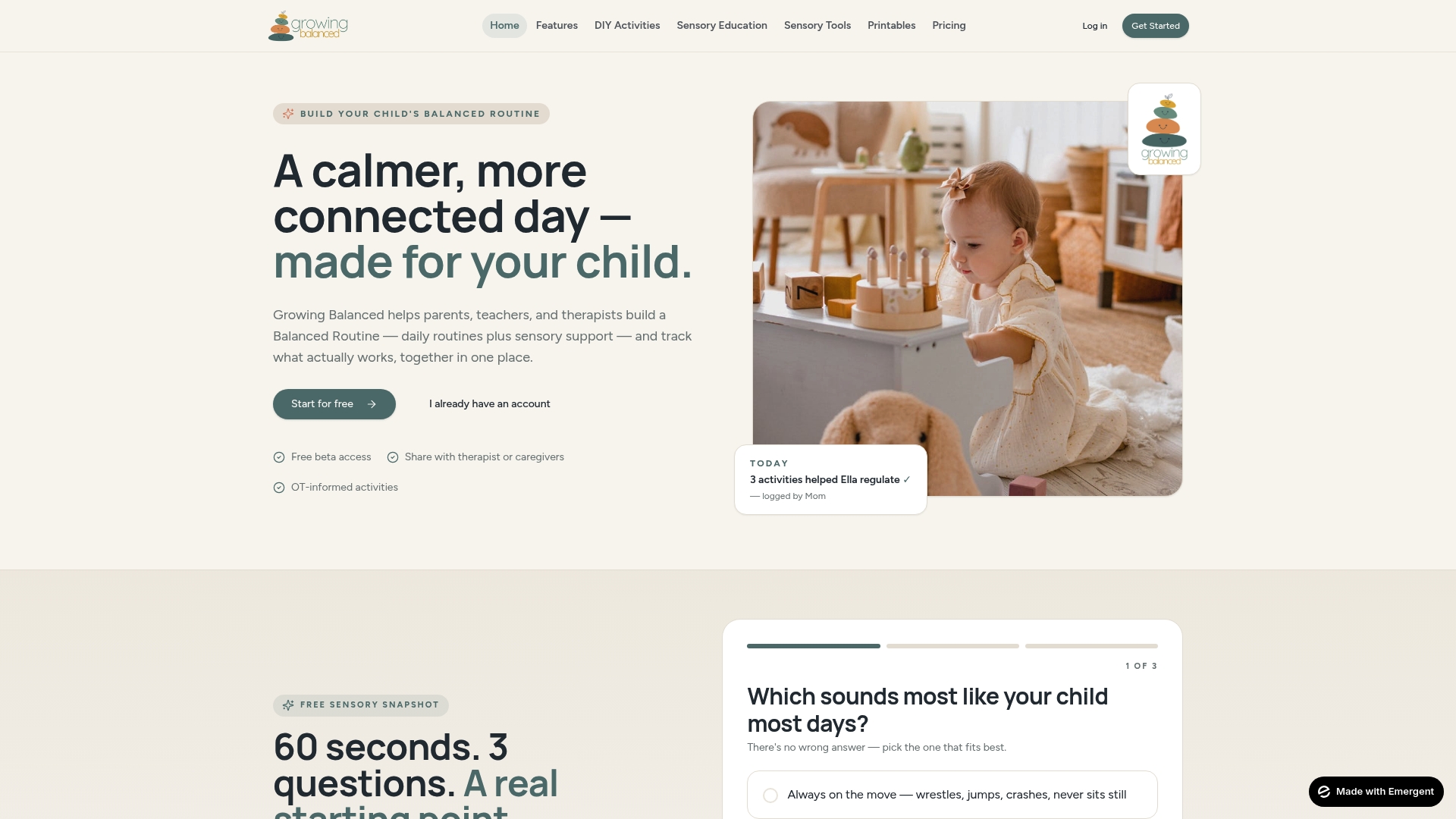
Growingbalanced is built specifically for the gap between knowing which tools to use and actually making them work in daily routines. The platform’s visual schedules and balanced routines complement every category of adaptive tool covered here, from communication supports to sensory regulation strategies. You can create personalized daily schedules, attach sensory activity suggestions, and share plans across home, school, and therapy settings. Whether you are a parent setting up a morning routine or a teacher building an inclusive classroom structure, Growingbalanced gives you the occupational therapy-informed framework to make adaptive tools stick. Explore the resource library and start building a plan that fits your child’s actual needs.
FAQ
What are the main types of adaptive tools in special education?
The main categories are mobility and positioning tools, communication and AAC devices, sensory regulation tools, and educational and organizational tools such as adaptive writing supports and specialized software. Each category addresses a different area of access and learning.
Does IDEA require schools to provide adaptive tools?
Yes. Assistive technology must be considered during every IEP meeting, and schools must provide it at no cost to families if it is determined necessary for a free appropriate public education.
What is the difference between low-tech and high-tech adaptive tools?
Low-tech tools require no power and minimal training, such as picture boards or pencil grips. High-tech tools involve electronics or software, such as speech-generating devices or AI-based learning apps, and typically require more setup, training, and ongoing support.
How do I know which adaptive tool is right for a specific child?
Start with a thorough evaluation of the child’s disability profile, sensory needs, and IEP goals. Involve an occupational therapist, consult the education team, and trial tools before committing to expensive options.
Do high-tech adaptive tools need a backup plan?
Always. High-tech devices fail, and a child left without their primary communication or learning tool can experience significant distress. Every high-tech solution should be paired with a low-tech backup that the child already knows how to use.
Recommended
- Home program components: OT recommendations for sensory kids · Growing Balanced Blog
- Neurodiversity-affirming OT: a complete parent’s guide · Growing Balanced Blog
- How to build a behavior support plan for your classroom · Growing Balanced Blog
- Ayres Sensory Integration Explained for Parents · Growing Balanced Blog